
Portage County VINELink Coverage
Ohio VINE is a free, continuous custody-information and notification service. Official Ohio material says its coverage includes participating county jails, the Ohio Department of Rehabilitation and Correction, and the Ohio Department of Youth Services. For an adult Portage County search, use the agency record that actually holds the person. County jail and ODRC records can report different events because they represent different custodians.
County-jail event types can include general release, transfer, escape, and death. ODRC events can include general release, prison transfer, parole-related actions, return after revocation, and release from parole. Those labels are not interchangeable. A transfer alert means one agency's custody changed. It does not prove release to the community. If the person moved from the Portage County Jail to ODRC, the state record becomes the active custody source.
VINE does not cover every federal custody path. A sentenced federal prisoner belongs in the BOP locator, while many federal pretrial movements remain under the U.S. Marshals Service. Immigration custody belongs in ICE's system. The main Portage County released-inmate search separates those county, state, and federal channels.
Note: Ohio VINE coverage depends on participating-agency data, so the reporting agency on a result is as important as the name.
Search Portage County VINELink Records
Open the Ohio route at VINELink. Search one person with the name or identification fields the current interface presents. Since screen labels can change, use the displayed prompts rather than expecting a fixed layout. A name-only match is not enough. Compare the offender ID, age or birth details when offered, location, and reporting agency. For a Portage county-jail event, the agency should align with the actual holding facility. For state prison, match the ODRC record. Agency matching prevents a common error when the same person moves between systems. A Portage commitment can begin in Municipal Court, pass through the Justice Center, and later appear in ODRC after a felony conveyance. The county alert may describe transfer out of the jail while the state record still says incarcerated. Those facts can both be true. Keep each agency's event and time separate.
- Choose Ohio and open the person search. Enter the most precise name or ID available without adding guesses.
- Review all likely matches. Compare identifiers and the agency instead of selecting the first shared name.
- Open the matching person record. Record the exact status, event type, location, agency, and time shown.
- If the result reports a transfer, follow the destination or receiving custodian. Do not restate it as a community release.
- If no result appears, try supported name variants and the primary agency records. A missing VINE result does not prove release.
The VINELink search landing screen is captured in the page-specific manifest image.
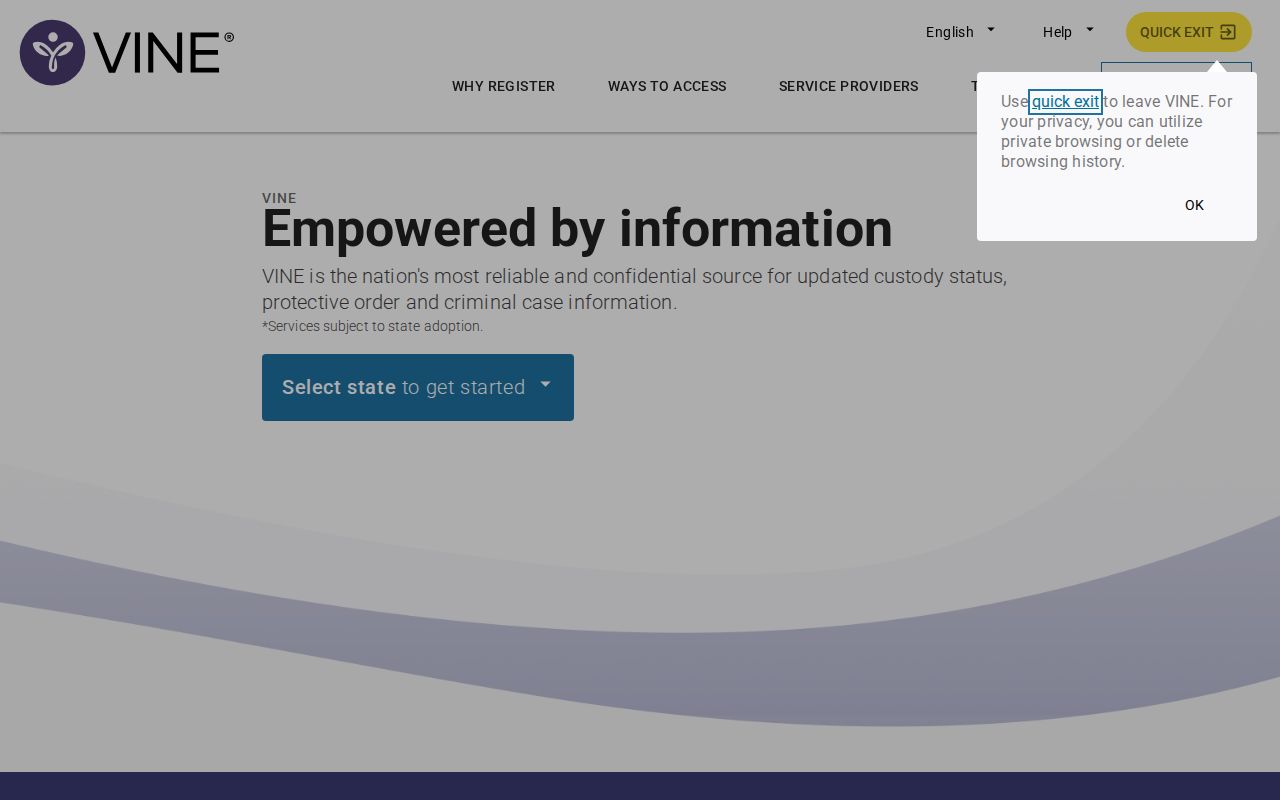
The image shows the official entry point for selecting Ohio and beginning a specific-person custody search.
Portage VINELink Release Record Fields
Search fields and status wording can vary by agency and interface version. The official Portage research therefore does not promise one literal “Released” or “Out of Custody” label. Preserve the text shown on the live record. VINE is best used for a near-term status or alert, not as the formal instrument that authorized release.
| Field | What it helps confirm |
|---|---|
| Name | The person reported by the participating agency; match it with other identifiers. |
| Offender ID | A stronger match than name alone when the agency supplies it. |
| State | The VINE jurisdiction selected for the search. |
| Custody status | The current status wording supplied through the agency feed. |
| Location | The reporting facility or custody location, subject to update timing. |
| Agency | The source that should be contacted for official confirmation. |
| Event | General release, transfer, or another reported custody change. |
A court journal explains the legal basis for a Portage release. PCSO's movement entry supplies the physical release time and destination. ODRC detail supplies the state-prison status, release detail, and any APA supervision. VINE sits beside these sources as a notice and current-status channel. It should not erase distinctions between a court order, completed processing, and a later data transmission.
If VINE and an agency record conflict, compare update times and event definitions. A judge may order release before jail processing ends. A jail may record a transfer before VINE sends notice. These can be separate points in one event sequence rather than proof that one system is wrong.
Register Portage County Release Alerts
Registration works best while the matching person is shown in custody. Select Register for Notifications on that record, then choose the phone, email, or text options currently offered. The official Ohio brochure says multiple phone numbers and email addresses may be registered. Enter only contact points that the registrant controls, and keep the agency and person details with the confirmation.
- Find and verify the in-custody person record before selecting the notification option.
- Choose the available phone, email, or SMS channel and enter the destination carefully.
- For a phone call, create a four-digit PIN. Email does not use that phone PIN.
- Complete the registration prompts and keep the agency name with the saved record.
- When VINE calls, listen to the message and enter the PIN followed by # to acknowledge it.
Without acknowledgment, VINE can leave a message and retry for up to 48 hours. Entering PIN plus # confirms receipt and stops retries. It does not confirm legal identity or prove that the agency data is free from lag. Email sends one message per reported status change under the Ohio brochure. Text options depend on what the current screen offers.
The Ohio VINE person-search and registration entry point appears in the matched image.
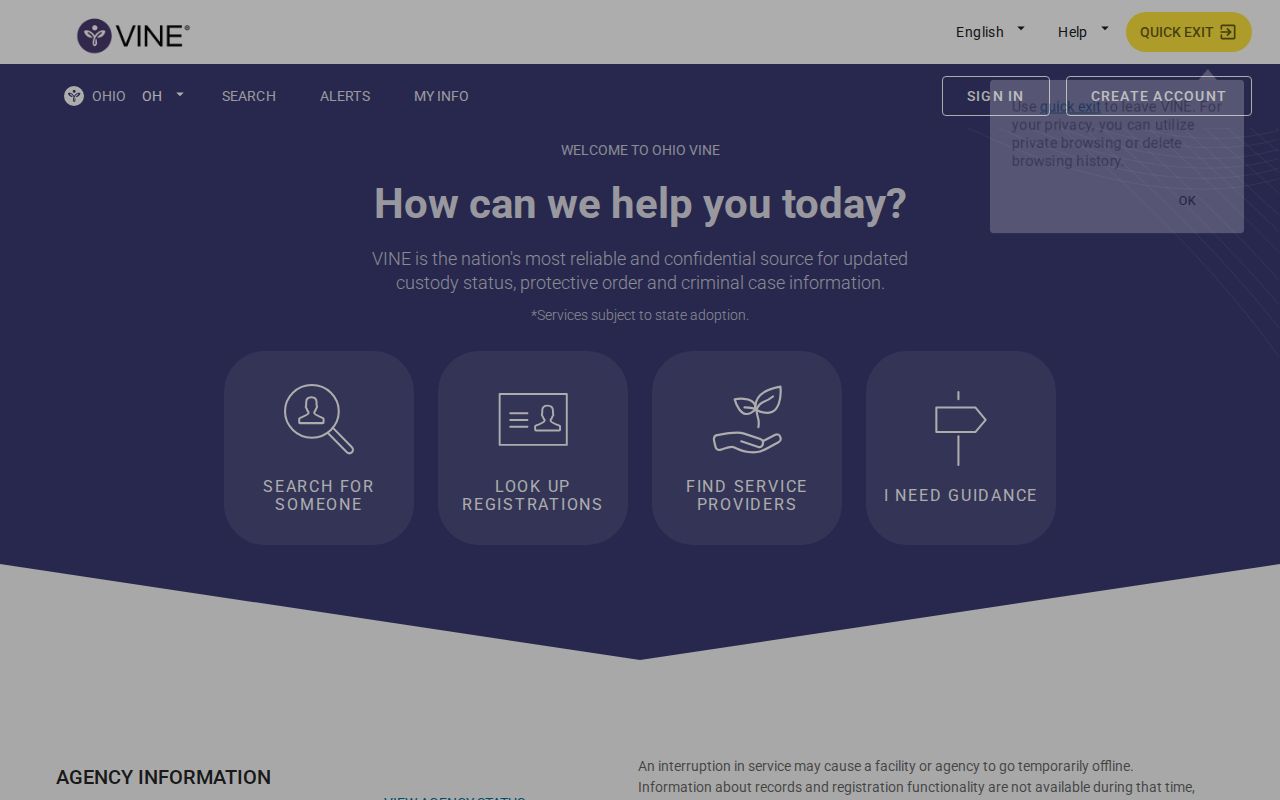
The captured screen connects a verified person result to the notification choices available through the Ohio service.
Note: For a forgotten phone PIN, Ohio VINE lists 1-800-770-0192 and directs callers to press 0 for help.
Portage SheriffAlerts Versus VINELink
Portage County's SheriffAlerts registry email notices are separate from VINE custody alerts. The Portage sheriff registry page concerns offense-based registration duties and local registry information. VINELink concerns custody events for a specific person in a participating agency's system. Signing up for one service does not create the other kind of notice.
Do not combine the systems: A SheriffAlerts message concerns registry information. A VINE message reports a custody event such as release or transfer.
Registry presence does not establish when someone left the Portage County Jail. It also is not a list of all released people. Some registration duties begin after release, but the sheriff's release entry remains the stronger evidence of the actual county-jail event. Likewise, a VINE alert does not establish whether a person has a registry duty.
This distinction is especially important when an email lacks context. Record the sender, service name, agency, event type, and time. Then open the matching official system. For a VINE release alert, contact the agency shown. For a registry notice, consult the registry source without using it to infer the most recent custody event.
Confirm Portage VINELink Release Alerts
After a general-release alert from PCSO, retain the reported agency and event time. Search the Portage court docket for the bond, dismissal, sentence completion, or other legal basis, then ask PCSO Records for the jail movement entry. If that record identifies a receiving officer or agency, it was a transfer and must be followed to the next custodian. The court order alone may precede physical processing. Ask for the release date and time, authority or code, receiving agency when present, and the code legend. A bond-posting entry shows that a condition was met, but identity checks, other holds, and release processing can still occur later. PCSO's contemporaneous movement record is stronger evidence of the physical exit than the alert timestamp by itself.
After an ODRC alert, open the ODRC Offender Search. Match the person, then read status, release detail, date, and APA Supervision. Someone can be outside prison while still under state control. The ODRC detail is the better durable summary of the state event, and the Portage docket remains useful when release came from a judicial order. Also distinguish a parole release from release from parole. The first moves a person from prison into supervised community status. The second may end that state supervision term. Ohio VINE materials list both kinds of events, so the alert's full wording matters. If the detail shows Violator at Large, report the unresolved supervision status and do not treat it as ordinary discharge.
A disappearance from VINELink is not a release record. Name spelling, agency participation, transfer, interface retention, and restricted or sealed records can affect a result. For an older event, go straight to the custodian and court. The formal Portage jail record should state the release time, authority, and receiving agency when applicable.
Note: A PIN acknowledges delivery of an alert; it does not certify the event or replace the originating agency's record.
Portage VINELink Search Limits
VINE warns users not to rely on it as the only safety or information source. Data can lag, coverage can vary, and the service is not a durable archive of every old release. If the web service fails, general VINE support is 1-866-277-7477. Ohio VINE lists 24-hour representatives at 1-800-770-0192 and TTY help at 1-866-847-1298.
Federal coverage requires other channels. The BOP Inmate Locator covers sentenced federal inmates within its historical scope and can show a release date. A pretrial federal detainee may remain under USMS and never appear as a conventional BOP inmate. ICE uses its own current or recent-custody locator. A missing result in any one of these systems is not enough to call a community release.
Juvenile custody also requires care. Ohio material includes the Department of Youth Services in VINE coverage and notes youth-specific rules. Adult Portage pages should not invite searches for confidential juvenile records. An authorized parent, custodian, or lawyer should use the juvenile court or detention center channel that applies to the case.
Confirm every alert: Use the agency's release record and the relevant court or ODRC detail before treating a VINE event as final.